
Your writing space
Write. Revise.
Make it yours.
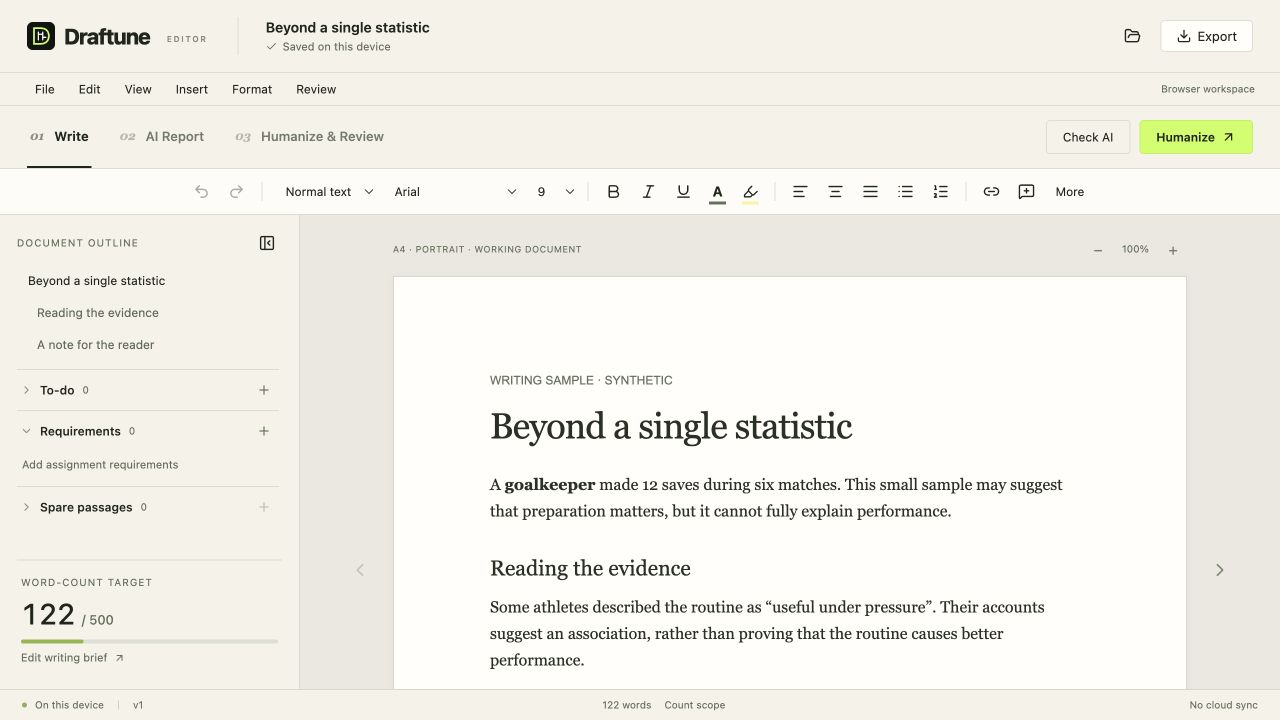
A focused document editor, with your word count, requirements and revisions close at hand.
No sign-up. Saved in this browser, on this device.
What would you like to work on?
One editor. Three ways in.01
Write a document
Start writing, organise your notes and keep your word target in view.
Open editor02
Read an AI report
Bring a GPTZero report PDF back to the writing you checked.
Open report reader03
Compare a rewrite
Import a revised version and see it beside your original draft.
Open comparisonRoom for the actual writing
The useful things,
right beside your words.
A clean page is a good start. Your notes, targets and previous work should be easy to reach, too.
- A word count you can see
- Set a target and follow your progress while you write.
- Requirements, to-dos and spare passages
- Keep your assignment checklist and unfinished ideas beside the outline.
- Your document, ready to take with you
- Import an existing draft. Export Word or text, print to PDF, or save a Draftune backup.
Already use GPTZero or a Humanizer?
Run the check or rewrite on your provider’s website, then bring its PDF or rewritten text into Draftune. The public editor helps you read and compare the result; it does not make those AI requests for you.
Your next draft starts here.
Open the editor and pick up where you left off.